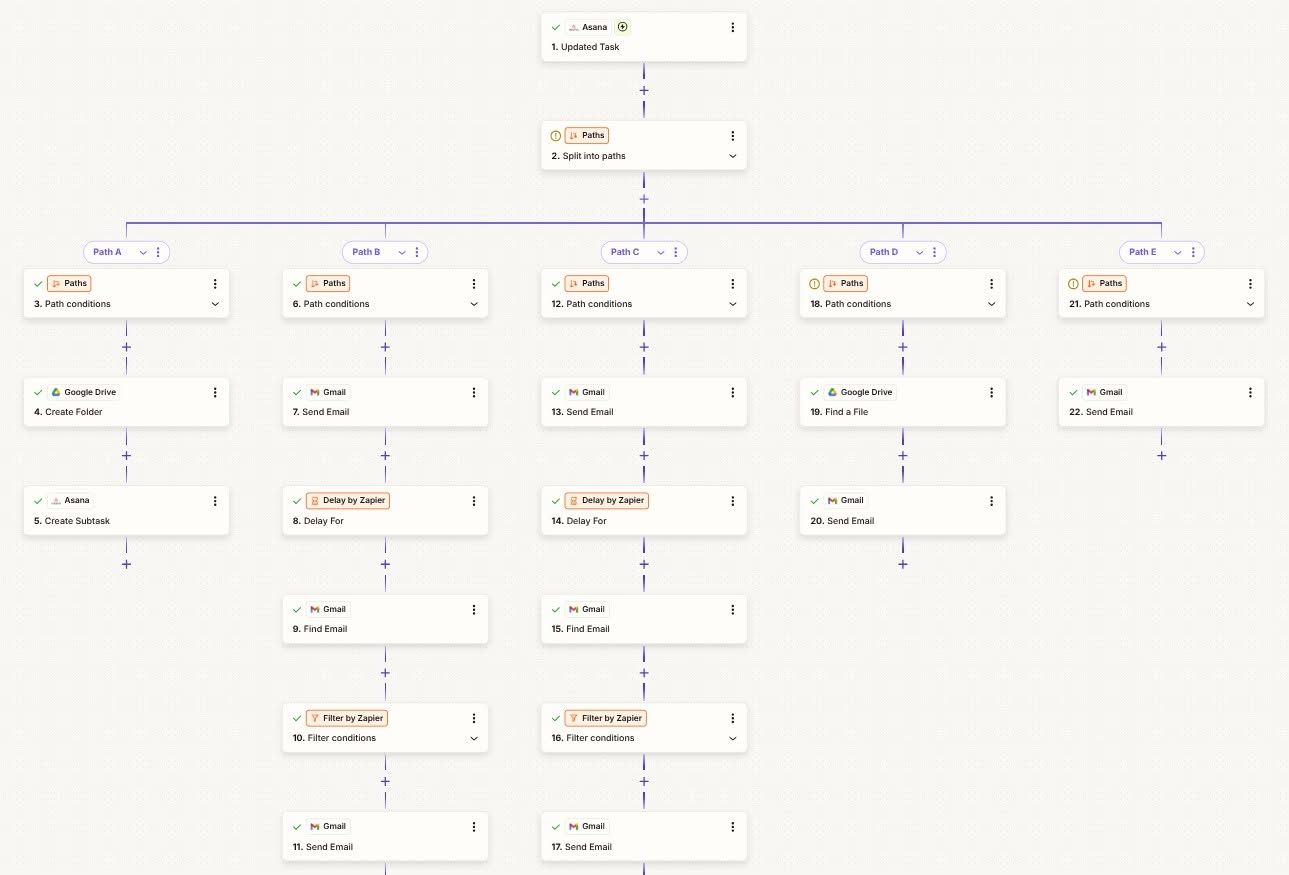
Workflow summary
Capture a new lead, create an Asana task, add follow-up details, and track lead engagement status.
Trigger
New lead submitted through a form or CRM entry.
Workflow steps
- 01Capture the new lead's details from the form/CRM.
- 02Create a follow-up task in Asana assigned to the right owner.
- 03Send an internal Gmail notification with lead context.
- 04Update lead status fields so engagement is always tracked.
Outcome
Every new lead gets a tracked follow-up task within seconds — nothing slips.
Time saved
~10–15 min per lead in manual task creation.
Best for
Service businesses, agencies, and freelancers managing inbound leads.
Tools used
ZapierAsanaGmail


